ApowerMirror Screen Mirroring App for PC, iPhone, Android, & TV Lifetime Deal
in StackSocial Lifetime Deals , Utilities Lifetime DealsChoose Your Desired Option(s)
Mirror Screens. Share Content. Enjoy a Bigger Digital Experience.
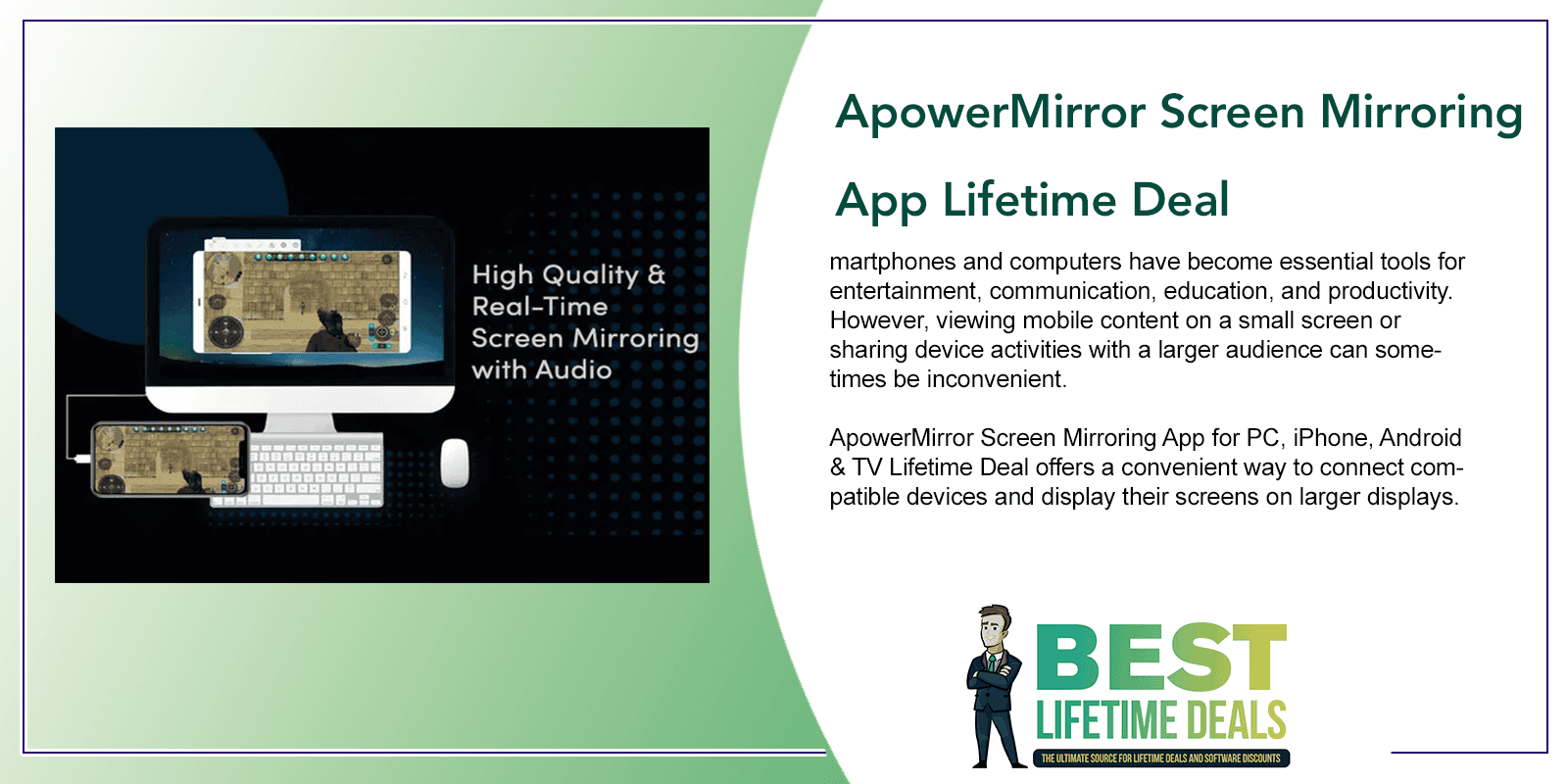
Smartphones and computers have become essential tools for entertainment, communication, education, and productivity. However, viewing mobile content on a small screen or sharing device activities with a larger audience can sometimes be inconvenient.
ApowerMirror Screen Mirroring App for PC, iPhone, Android & TV Lifetime Deal offers a convenient way to connect compatible devices and display their screens on larger displays.
Designed for screen mirroring and cross-device sharing, ApowerMirror helps users bring mobile content to computers and compatible displays. Whether presenting a project, sharing photos, watching videos, or demonstrating a mobile application, the software makes screen sharing more accessible.
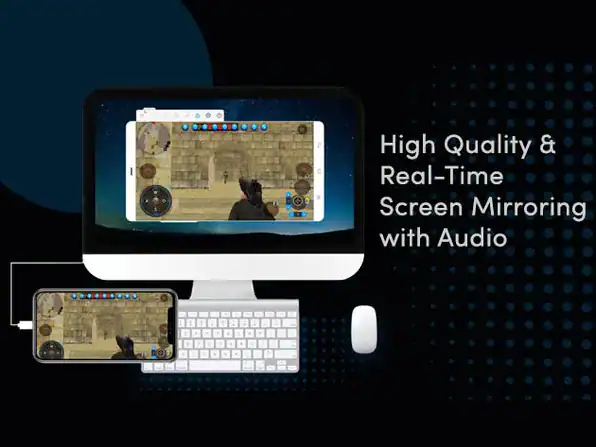
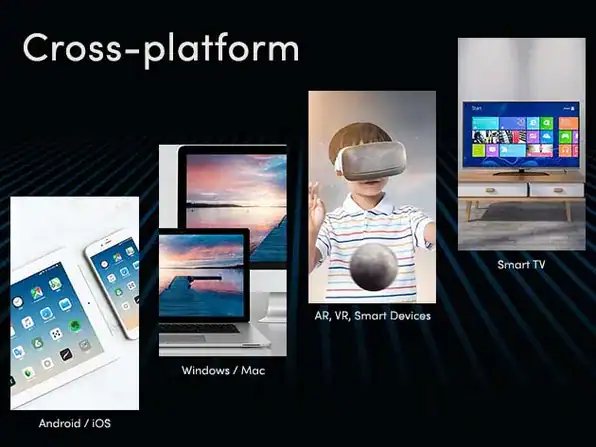
ApowerMirror is a wireless screen mirroring app that can be used to cast phone to PC, Mac, Smart TV (TV box), and other mobile devices like tablets in high quality. It allows you to connect and mirror your phone to PC via USB or WiFi, and you can remotely control the phone from PC or Mac using your mouse and keyboard. Enjoy smart life on a bigger screen, in real-time.
Mirror Phone to PC with Audio
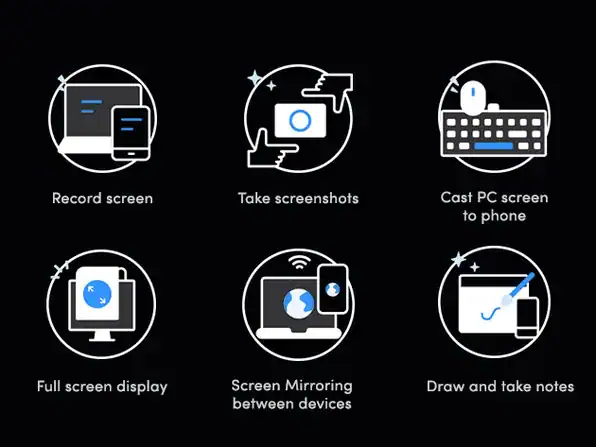
- Cast & share phone screens to PC via USB or WiFi
- Freely stream videos, display apps, share meeting contents, or play mobile games from PC or Mac in full-screen mode
- Cast & stream audio from phone to PC or Mac while screen mirroring
Cast Phone to TV
- Enjoy videos & other screen activities on a bigger TV screen
- Supports TVs like Sony TV, LG TV, Philips TV, Sharp TV, Hisense TV, Xiaomi MI TV, & other TVs running Android OS
- Cast phones by auto-detection, PIN code, or QR code. Once connected, you can also use ApowerMirror as a remote control
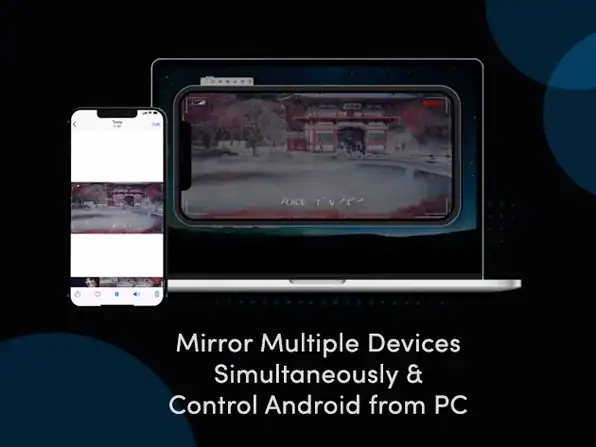
Control Phone from PC/Mac
- Take full control of the screen with your mouse & keyboard
- Share PPT to your colleagues, enjoy movies on a bigger screen or play phone games such as Mobile Legends, PUBG Mobile, Fortnite, Minecraft, & other games on the computer
Record & Capture Phone Screen
- Use ApowerMirror as a screen recorder as it enables you to record all the activities on your phone screen seamlessly while screen mirroring
- Take a screenshot with one click anytime you want during screen mirrorin
What Is ApowerMirror?
<escape>ApowerMirror</escape> is a screen mirroring application that allows users to display content from compatible smartphones and tablets on a computer or other supported display.
The software supports screen mirroring between supported Android and iOS devices and computers, offering different connection methods depending on the device and configuration.
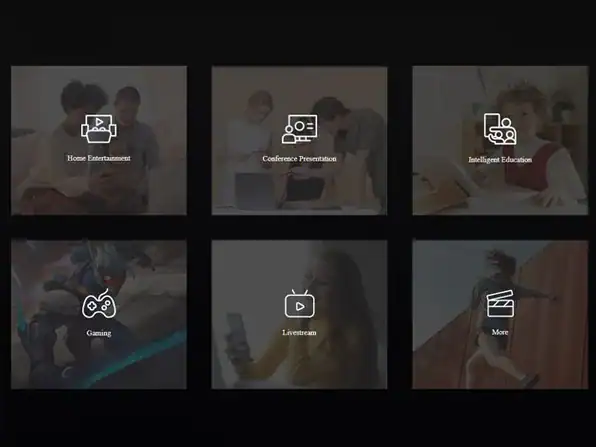
By making mobile screens visible on larger displays, ApowerMirror can support presentations, entertainment, online teaching, demonstrations, and everyday device sharing.
Its cross-platform approach makes it useful for individuals who regularly switch between smartphones, computers, and other compatible screens.
Who Can Benefit From ApowerMirror?
ApowerMirror is suitable for a variety of users and environments:
- Business Professionals: Present mobile content, demonstrate applications, and share information during meetings.
- Educators and Teachers: Display mobile learning materials and demonstrations on larger screens.
- Students: Share assignments, presentations, and educational content with classmates.
- Content Creators: Capture and showcase mobile activities for tutorials and demonstrations.
- Gamers: Display supported mobile games on a computer screen for a larger viewing experience.
- Remote Workers: Share compatible device screens during collaborative sessions.
- Families: Enjoy photos, videos, and other mobile content on larger displays.
- Technology Enthusiasts: Explore convenient ways to connect and mirror compatible devices.
Key Features and Capabilities
1. Screen Mirroring From Android Devices
ApowerMirror supports mirroring compatible Android smartphones and tablets to a computer, allowing users to view mobile content on a larger screen.
2. iPhone and iPad Screen Mirroring
Compatible iOS devices can mirror their screens to supported computers, making it easier to share mobile content, demonstrate applications, and display presentations.
3. PC Screen Display
The application allows supported mobile devices to display their screens on a computer, creating a more flexible viewing and sharing experience.
4. TV and Larger-Screen Entertainment
Depending on device compatibility and the connection setup, ApowerMirror can support screen sharing to larger displays, including supported television environments.
5. Wireless Screen Mirroring
Compatible devices can connect wirelessly, helping users share screens without relying on a physical display cable for every session.
6. USB Connection Support
For supported devices and configurations, USB connections provide another way to establish screen mirroring between a mobile device and a computer.
7. Mobile Content Sharing
Photos, videos, presentations, applications, and other compatible mobile content can be displayed on a larger screen for easier viewing and group sharing.
8. Screen Recording and Screenshots
ApowerMirror offers recording and screenshot capabilities for supported workflows, helping users capture screen activities for demonstrations, tutorials, and documentation.
9. Mobile Device Control
For supported Android devices and connection methods, ApowerMirror provides control functionality that can allow users to interact with a mirrored phone through a computer.
Why Choose ApowerMirror?
Enjoy a Bigger Viewing Experience
A smartphone screen can feel restrictive when sharing content with several people. Screen mirroring makes compatible mobile content easier to view on a larger display.
Make Presentations More Convenient
Professionals and educators can display mobile applications, documents, and demonstrations without requiring everyone to gather around a small device.
Improve Collaboration
Screen sharing can make it easier for teams, students, and colleagues to follow demonstrations and discuss information together.
Support Entertainment and Gaming
Compatible mobile content can be displayed on a larger screen, creating a more comfortable viewing experience for videos, photos, and supported games.
Connect Different Devices
With support for compatible Android, iOS, and computer environments, ApowerMirror offers flexibility for users working across multiple platforms.
Simplify Screen Sharing
Wireless and USB connection options provide different ways to connect supported devices, depending on the available equipment and user requirements.
Practical Ways to Use ApowerMirror
ApowerMirror can support a variety of everyday activities, including:
- Displaying smartphone screens during business presentations
- Sharing mobile applications during product demonstrations
- Showing educational content in classrooms
- Mirroring mobile games to a computer screen
- Viewing personal photos and videos on larger displays
- Recording supported mobile screen activities for tutorials
- Demonstrating app functionality to clients or colleagues
- Sharing compatible mobile content during meetings
- Displaying smartphone activities for technical support and troubleshooting
What Makes the Lifetime Deal Appealing?
The ApowerMirror Screen Mirroring App Lifetime Deal provides an opportunity to obtain the included license through a lifetime purchase rather than a recurring subscription for that license.
It can appeal to professionals, educators, content creators, and everyday users who regularly need to share content between compatible devices.
Before purchasing, buyers should review the deal terms to confirm supported operating systems, device compatibility, connection methods, available features, activation limits, and any restrictions associated with the lifetime license.
Bring Mobile Screens to the Big Screen
From business presentations and classroom demonstrations to entertainment and everyday content sharing, ApowerMirror makes screen mirroring more convenient across supported devices.
With its Android and iOS compatibility, PC mirroring capabilities, and flexible connection options, ApowerMirror Screen Mirroring App for PC, iPhone, Android & TV Lifetime Deal offers a practical solution for users who want to make their mobile content easier to display and share.
Explore ApowerMirror today and experience a more flexible way to connect devices, share screens, and enjoy content on a bigger display.
Your Recently Viewed Downloads
 Ranktune AI Search Visibility Platform Lifetime Deal
You may also like
Share Now!
Latest Lifetime Deals





Featured Lifetime Deals


Related Products
Popular & Trending

Featured Products