
Slidepad Mac App Slide In Out for Mac Lifetime Deal
in Productivity Lifetime Deals , StackSocial Lifetime DealsChoose Your Desired Option(s)


A Smarter Way to Access Apps, Websites, and Workspaces on Mac
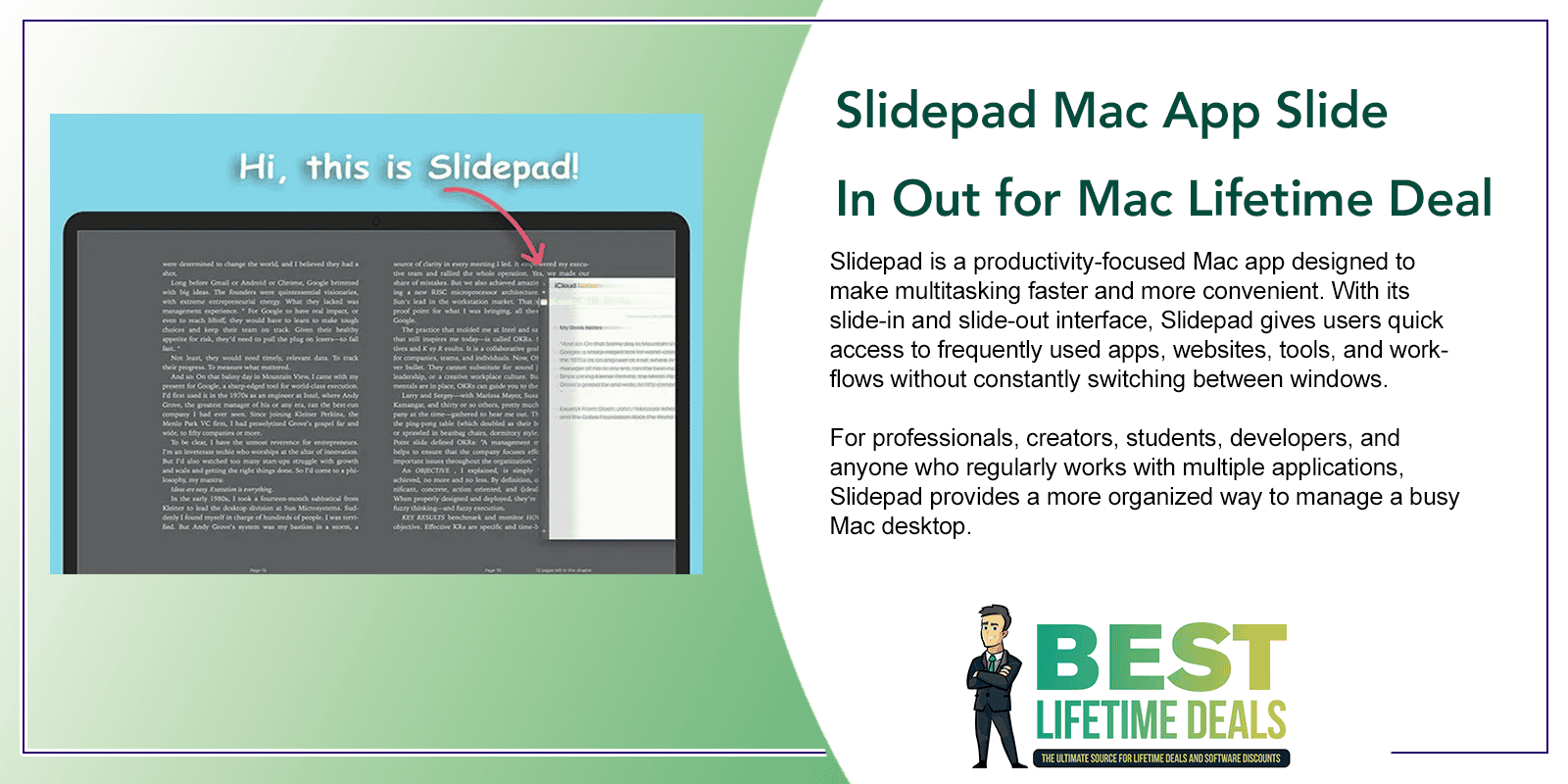
Slidepad is a productivity-focused Mac app designed to make multitasking faster and more convenient. With its slide-in and slide-out interface, Slidepad gives users quick access to frequently used apps, websites, tools, and workflows without constantly switching between windows.
For professionals, creators, students, developers, and anyone who regularly works with multiple applications, Slidepad provides a more organized way to manage a busy Mac desktop.
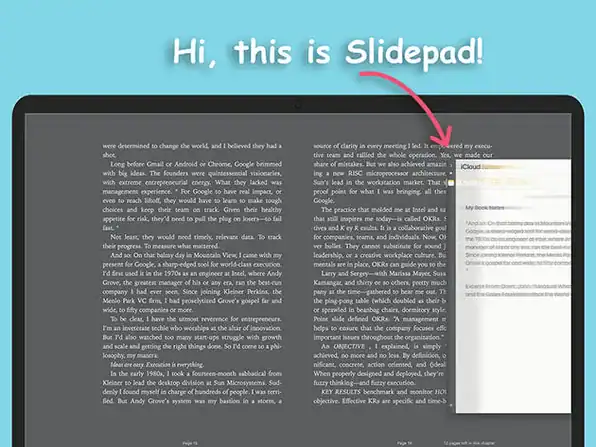
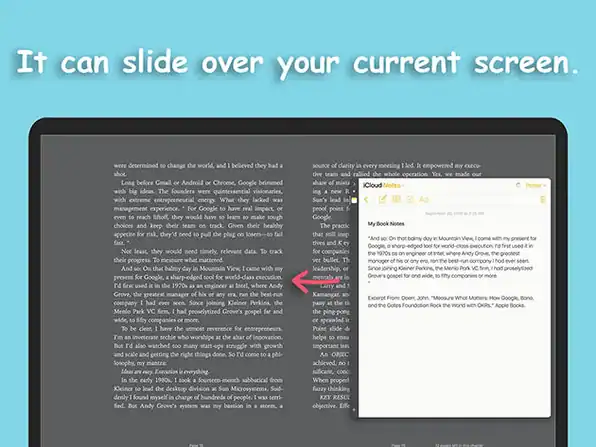
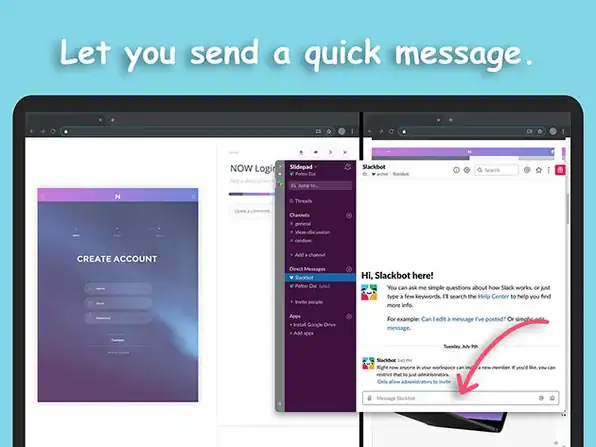
No more hassle of window switching! Slidepad is a productivity Mac app and a lightweight browser that brings the flexibility of iPad multitasking to your Mac’s screen. Slide in and out to get access to all websites or web apps you use instantly. So whether you need to jot down a message, watch a video, or check your to-do list, you can do so real quick — without messing with tabs and interfaces. Using Slidepad is as easy as using your dock.
What You’ll Get With This Slidepad Mac App Lifetime Deal
- Intuitive window switching. Hover your mouse pointer to the left or right side of the screen & switch across any of your apps for quick access
- Quick actions. Keep every app window active without overloading your screen
- Limitless workspace. There are no limitations on the number of apps you can add, Slidepad will expand according to your needs
- Custom audio & notifications. Enable or disable Auto Mute in the app Preferences as well as customize sounds throughout your sliding experience
- Manage your browsing. Clear caches & cookies right from the menu bar
- Extensive compatibility. No limits to the types of content you can interact with; PDF, pictures, videos & more
Keep Essential Apps Just a Slide Away
Switching between multiple windows can interrupt concentration and slow down everyday tasks. Slidepad provides a convenient side panel that allows users to bring important apps and web-based tools into view whenever they are needed.
Instead of searching through open windows, users can access their preferred tools with a simple slide-in action.
Key Features of Slidepad
Slide-In, Slide-Out Interface
Slidepad provides quick access to applications and websites through a convenient sliding panel. Users can bring their workspace into view and hide it when it is no longer needed.
Faster App Switching
With frequently used tools available from one location, Slidepad helps reduce unnecessary window switching and keeps workflows moving.
Access Web Apps Easily
Slidepad can make web-based services more convenient to access, allowing users to keep commonly used online tools close at hand while working on their Mac.
Cleaner Desktop Workflow
Rather than keeping numerous windows visible at once, users can use Slidepad to keep secondary tools accessible without filling the entire desktop.
Designed for Multitasking
Slidepad is useful for workflows that require several applications at the same time, including research, communication, content creation, project management, and business tasks.
Convenient Shortcuts and Access
Users can quickly bring their Slidepad workspace into view, making it easier to move between their primary application and supporting tools.
Who Can Benefit From Slidepad?
Business Professionals
Professionals can keep communication tools, calendars, project management platforms, and other business applications easily accessible.
Content Creators
Writers, designers, video creators, and marketers can quickly access research tools, reference websites, publishing platforms, and other resources.
Developers
Developers can keep documentation, communication tools, browser-based services, and development resources close while working on projects.
Students and Researchers
Students can use Slidepad to access research websites, notes, reference material, and productivity tools without constantly changing windows.
Remote Workers
Remote professionals can keep collaboration platforms and frequently used web apps available alongside their main workspace.
Improve Everyday Mac Multitasking
Modern workflows often require users to work across multiple applications and websites. Slidepad helps bring these resources together through a convenient slide-in workspace.
By reducing the need to repeatedly search for windows or switch between applications, Slidepad can help create a smoother and more focused working environment.
A Convenient Workspace for Frequently Used Tools
Slidepad is designed around accessibility. Instead of treating every application as another window that needs to remain open, it provides a dedicated space where important tools can stay readily available.
This makes it easier for users to move between their main task and supporting resources without cluttering their desktop.
Why Choose the Slidepad Lifetime Deal?
The Slidepad Lifetime Deal provides a long-term way to use the Mac productivity app without relying on a recurring subscription for access to the lifetime license.
For users who regularly multitask on Mac, lifetime access can provide a practical productivity solution that remains available whenever their workflow requires it.
A Simpler Way to Multitask on Mac
Slidepad is built for Mac users who want faster access to their essential tools without constantly managing a collection of overlapping windows.
With its slide-in and slide-out approach, convenient workspace, and support for multitasking, Slidepad can help users create a cleaner and more efficient Mac workflow.
Get the Slidepad Mac App Lifetime Deal
For anyone looking for a convenient way to organize frequently used apps and web tools on a Mac, Slidepad offers a streamlined approach to everyday multitasking.
The Slidepad Mac App Lifetime Deal gives users a practical productivity solution for keeping essential resources just a slide away.
You may also like

Share Now!
Latest Lifetime Deals










Featured Lifetime Deals










Related Products


Popular & Trending


Featured Products