
Screen Bolt Mac Screen Recorder with Audio Lifetime Deal
in DealFuel Lifetime Deals , Utilities Lifetime DealsChoose Your Desired Option(s)
Record Your Screen, Capture Audio, and Create Professional Content with Ease
Screen Bolt is a powerful screen recording solution designed specifically for Mac users who need a fast, reliable, and high-quality way to capture their screens and audio. Whether creating tutorials, product demos, online courses, presentations, gameplay videos, or business training materials, Screen Bolt makes recording professional-quality videos simple and efficient.
With the Screen Bolt Lifetime Deal, users gain permanent access to premium screen recording tools—without recurring subscription fees.
What Is Screen Bolt?
Screen Bolt is a macOS screen recording app that helps you record, edit, and polish videos in one place.
It allows you to –
- Capture your screen with audio
- Add smart zoom effects
- Clean up your visuals
- Improve voice quality
- Export ready-to-share videos
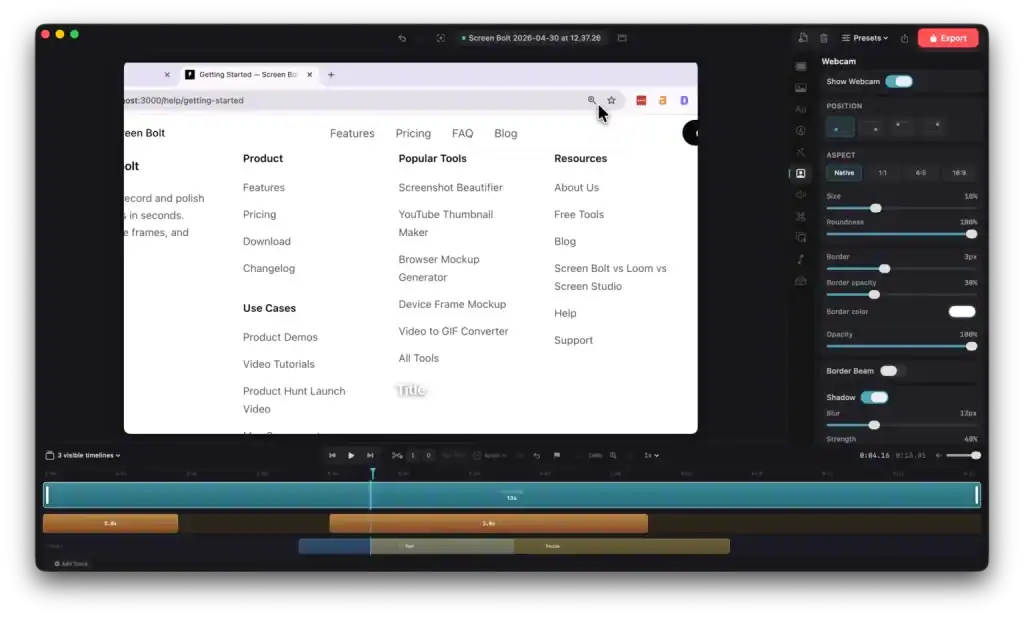
It also helps you polish the recording with smart zooms, cursor effects, blur tools, annotations, timelines, and studio-style editing tools.
To create polished videos with Screen Bolt, all you have to do is –
- Record your screen, webcam, microphone, and system audio in one place.
- Add auto zooms, cursor effects, annotations, backgrounds, and blur tools to make your videos easier to follow.
- Trim clips, retake scenes, reorder recordings, and fine-tune everything inside the built-in timeline editor.
- Export your videos in MP4, MOV, or GIF formats up to 4K quality and publish them wherever you want.
Screen Bolt helps freelancers, marketers, developers, SEOs, and product teams spend less time editing and more time shipping videos.
Introduction To Screen Bolt:
Features Of Screen Bolt:
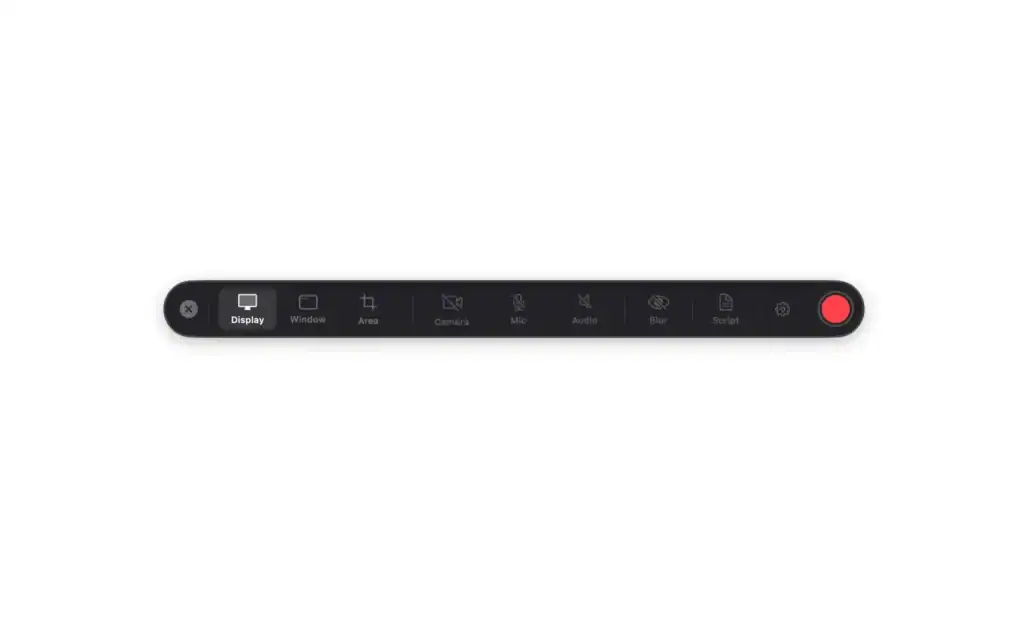
Capture screen, window, or selected areas with webcam, microphone, and system audio:
Create walkthroughs and demos that are easier to follow and more professional.
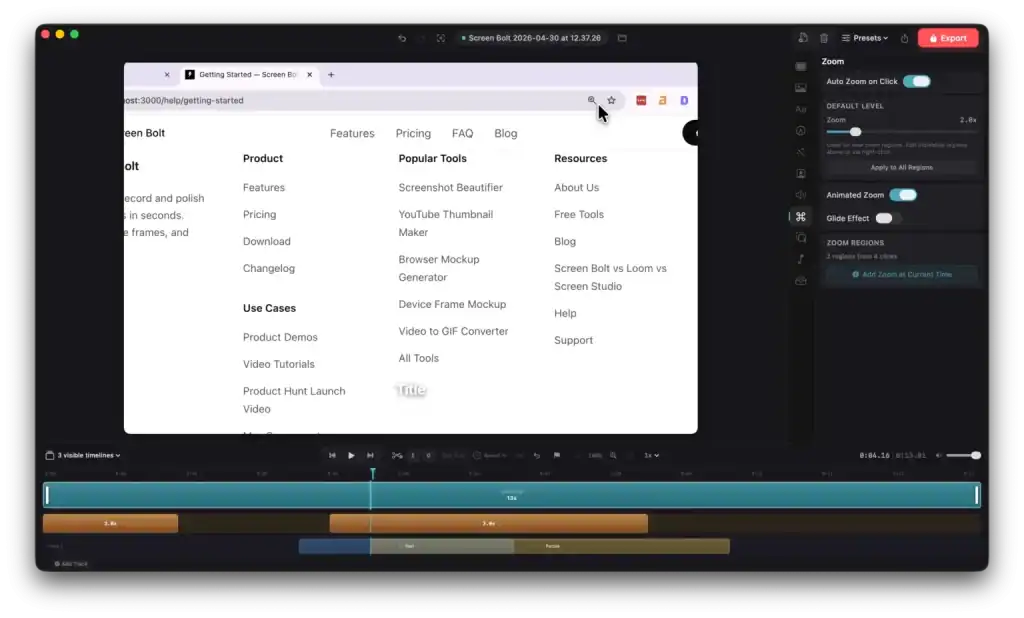
Automatically zoom into clicks, cursor movements, and key actions:
Help viewers focus on what matters without manual editing.
Blur passwords, emails, and private areas in real time:
Protect sensitive data while recording demos or presentations.
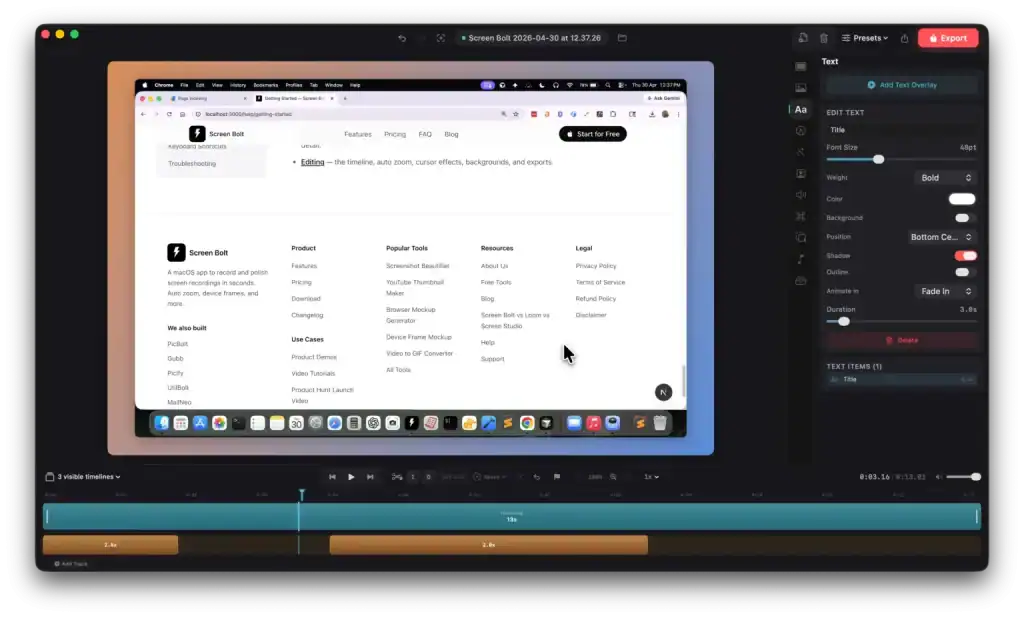
Highlight important sections on screen while dimming distractions:
Make tutorials clearer and easier to understand.
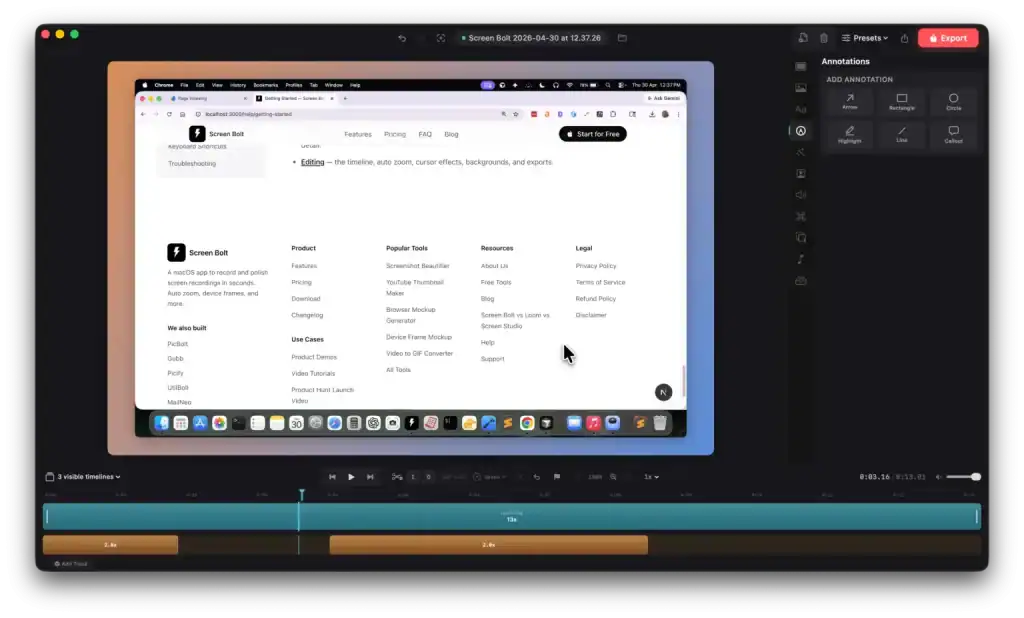
Trim clips, reorder scenes, cut mistakes, and adjust pacing directly inside the timeline editor:
Spend less time switching between apps.
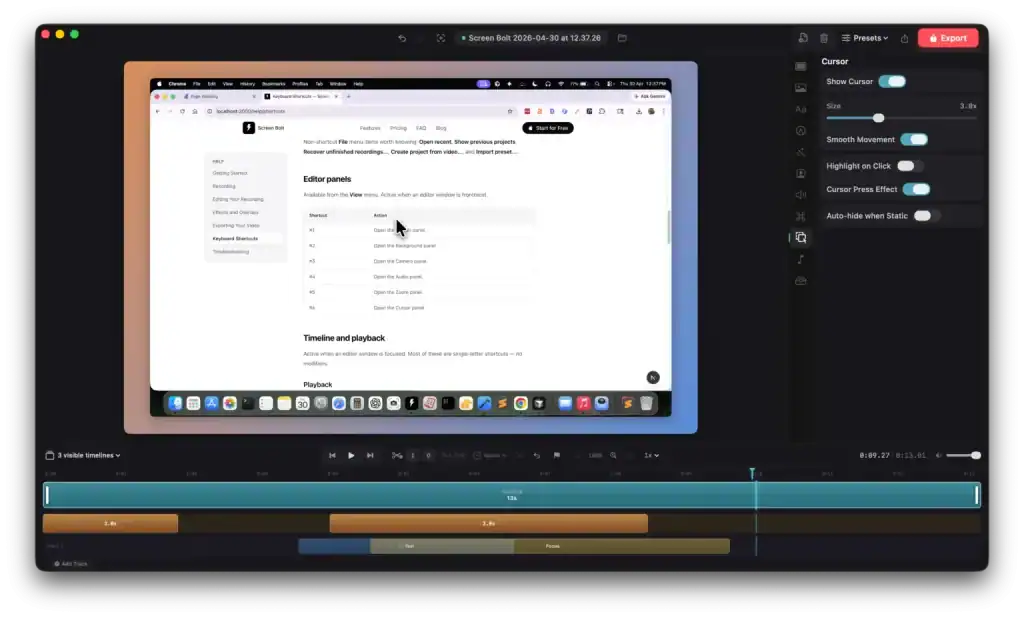
Use device frames, custom backgrounds, gradients, padding, and overlays:
Turn raw recordings into polished marketing assets.
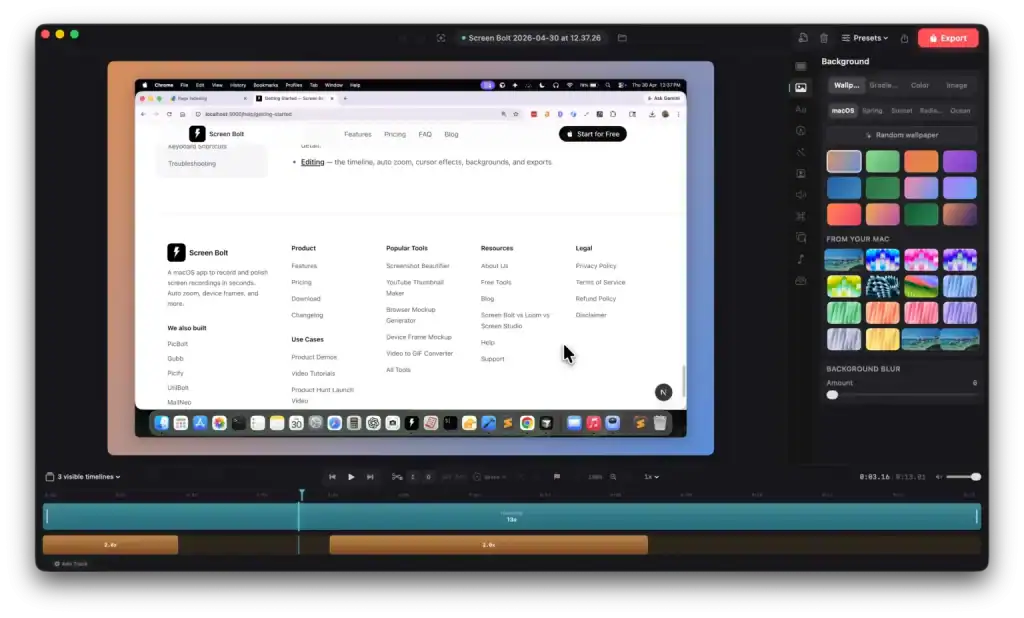
Add webcam overlays, remove webcam backgrounds, and even use your iPhone as a second camera.
Build more engaging videos without extra equipment.
Reduce background noise and enhance voice clarity instantly:
Record cleaner audio even in non-studio environments.
Use the built-in teleprompter to follow scripts smoothly during recording:
Create more confident and structured presentations.
Record videos in separate scenes and retake individual clips anytime:
Fix mistakes without restarting the entire recording.
Export recordings in MP4, MOV, or GIF formats up to 4K resolution:
Share videos across social media, websites, products, and presentations.
Who Is Screen Bolt For?
- Freelancers: To create polished client walkthroughs and project updates faster.
- Digital Marketers: To record better demos, social clips, tutorials, and product explainers.
- Developers: To share bug reports, feature demos, and onboarding videos clearly.
- SEO Professionals: To create easy-to-follow audits, reports, and training videos.
- Product Managers: To record feature walkthroughs, product updates, and internal demos quickly.
- Content Creators: To produce cleaner videos without spending hours editing.
Why Choose Screen Bolt?
- High-Quality Screen Recording: Capture crystal-clear videos in high resolution.
- Audio Recording Included: Record system audio, microphone input, or both simultaneously.
- Simple and User-Friendly: Start recording with just a few clicks.
- Mac Optimized: Built specifically for smooth performance on macOS.
- Lifetime Access: One-time payment with no monthly costs.
Lifetime Deal Offer
For a limited time, Screen Bolt Mac Screen Recorder with Audio is available as a lifetime deal. This exclusive offer provides long-term access to professional recording tools without ongoing subscription fees.
You may also like

Share Now!
Latest Lifetime Deals






Featured Lifetime Deals







Related Products

Popular & Trending


Featured Products